Categories
Browse by question

A minimal laptop setup like this trades screen space and posture for being able to work anywhere.Photo: By Free-Photos from Pixabay · CC0 · Wikimedia Commons · Open source page How to choose
The decisions that actually change what you end up with.
1 guides
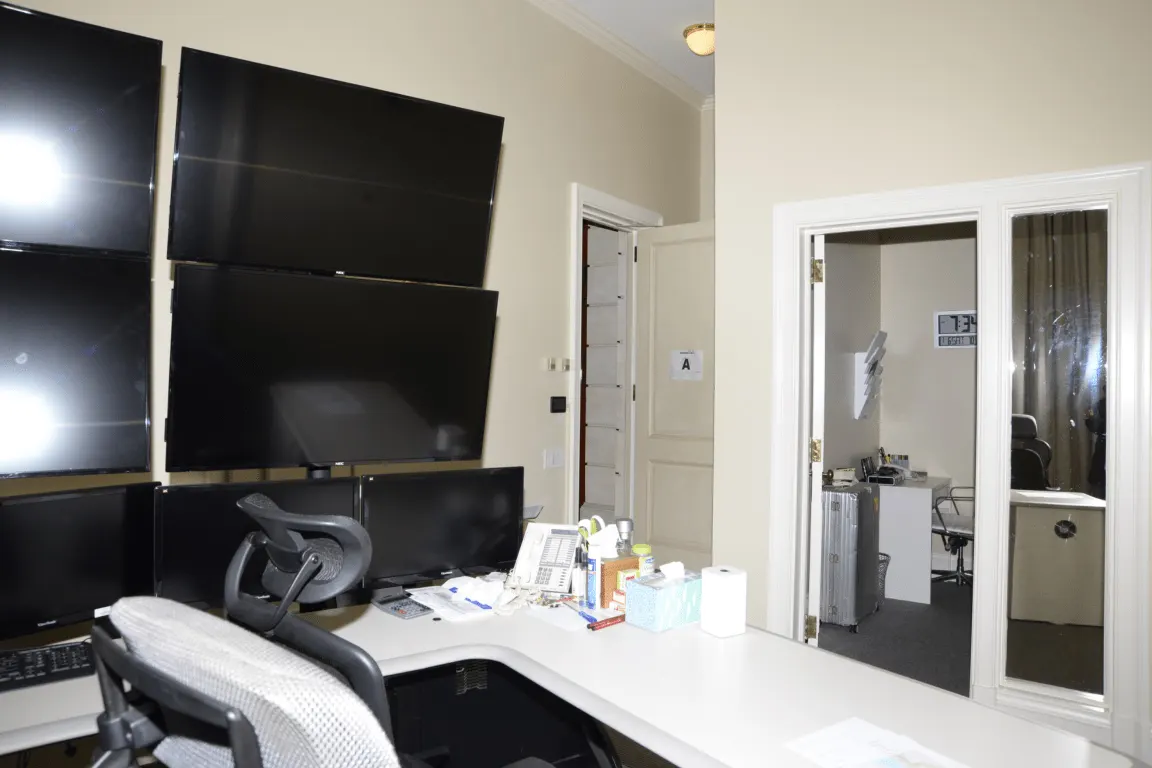
Wall-mounted displays above a worktop keep the surface clear for a keyboard, phone and paperwork.Photo: Federal Bureau of Investigation · Public domain · Wikimedia Commons · Open source page Comparisons
Like-for-like comparisons on the specifications that matter.
0 guides
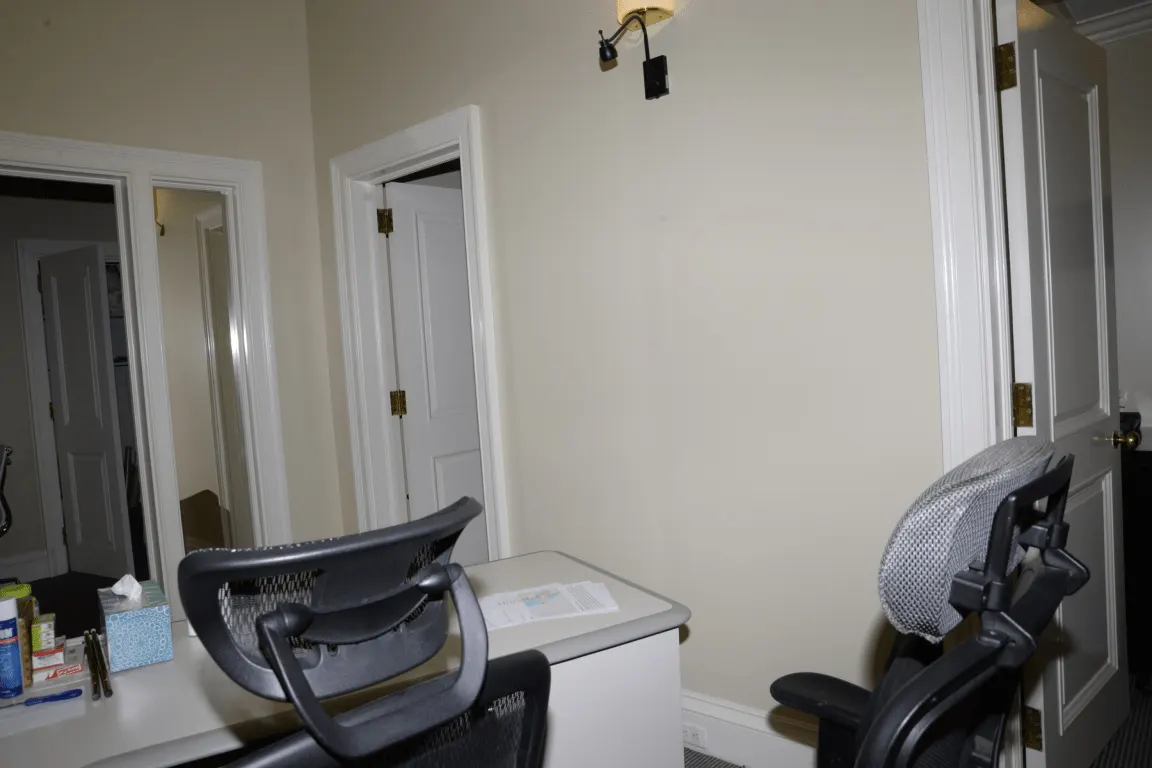
Mesh task chairs with adjustable arms and headrests are the usual starting point for long desk days.Photo: Federal Bureau of Investigation · Public domain · Wikimedia Commons · Open source page Budget and prices
What the total comes to once everything is counted.
1 guides

A second display beside an all-in-one adds working space without needing a deeper desk.Photo: Tran Mau Tri Tam tranmautritam · CC0 · Wikimedia Commons · Open source page Setting up
Getting it working properly the first time.
1 guides
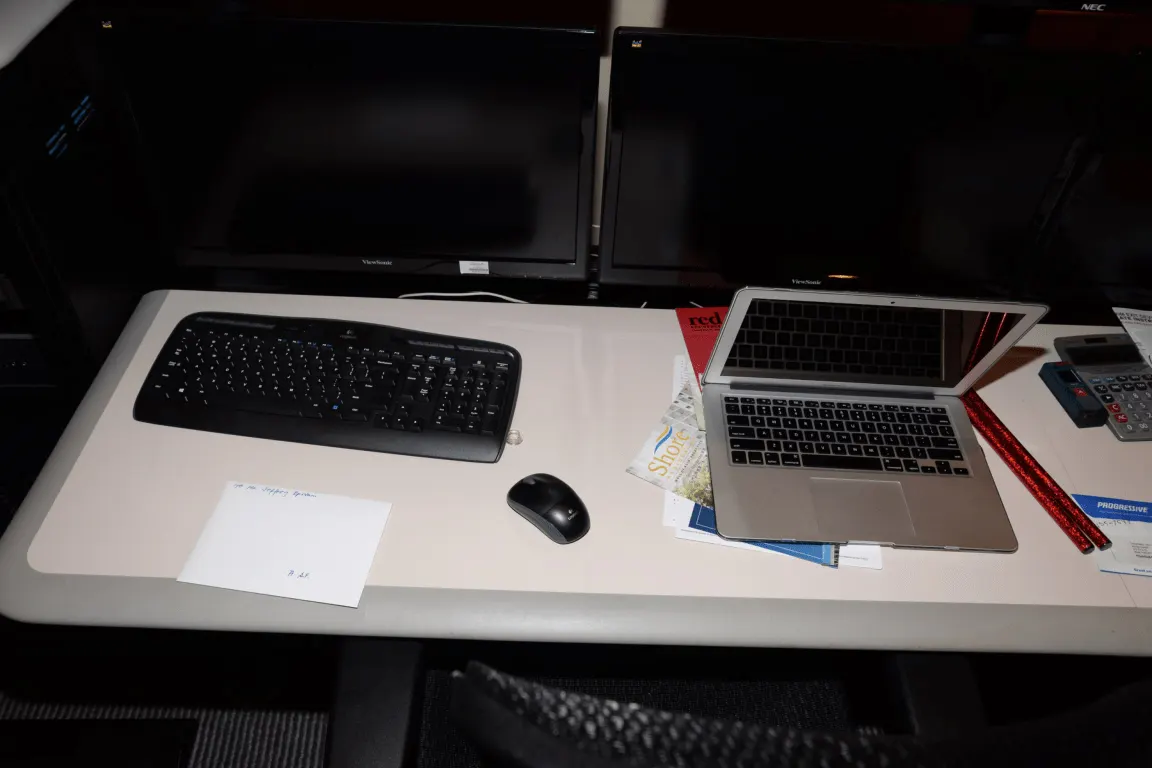
A docked laptop beside two external monitors is the most common way to build a three-screen desk.Photo: Federal Bureau of Investigation · Public domain · Wikimedia Commons · Open source page Performance
What the numbers mean in day-to-day use.
0 guides

An archive portrait of two men in a wood-panelled executive office, with framed pictures and a flag.Photo: Carl Albert Research and Studies Center, Congressional Collection · CC BY-SA 4.0 · Wikimedia Commons · Open source page Common mistakes
The expensive errors that are easy to avoid.
0 guides