How to choose
How to size a desk, chair and monitor to your own body
Four measurements decide whether a home office works. Take them first, then split the budget 45/30/25 between chair, desk and screen.
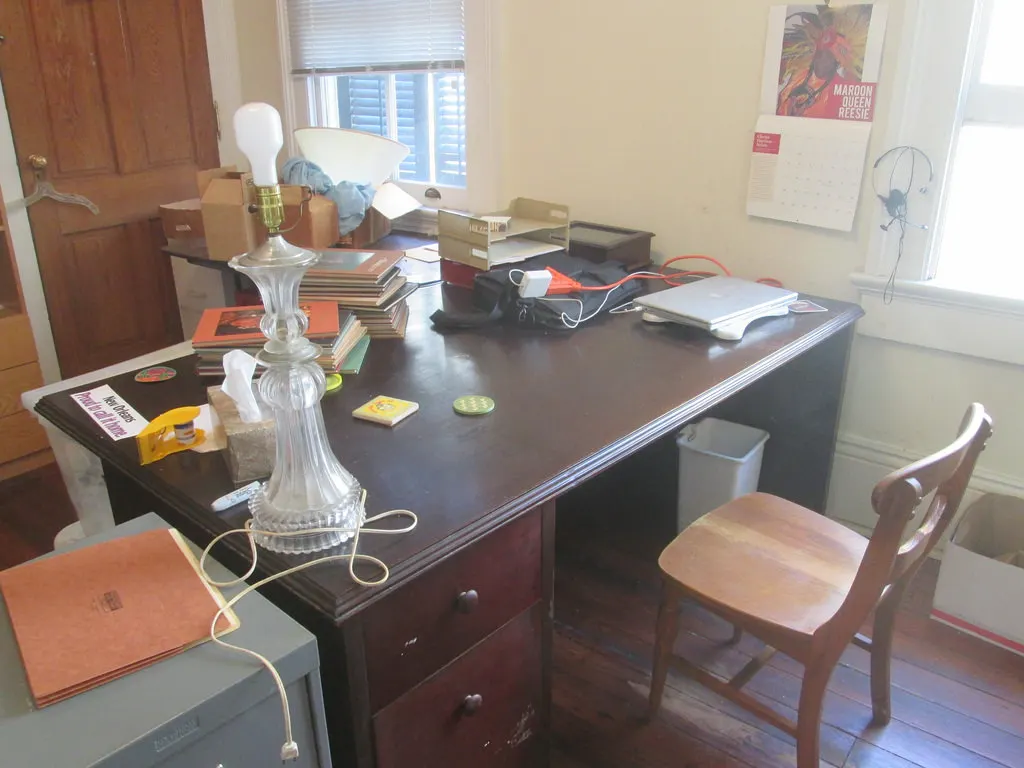
A home office goes wrong in a predictable order. Someone buys a desk because it fits the wall, puts a dining chair at it because there is one in the house, and then spends two years adjusting a monitor that was never the problem.
The fix costs nothing and takes about 20 minutes: four measurements, taken sitting down, that tell you which of the three purchases is constrained and which is free. This guide works through them, then through the budget split that follows from them. OSHA's Computer Workstations eTool is the public reference used throughout; the prices are examples, because this site carries no price feed.
Four measurements decide everything else
Sit on a dining chair at a kitchen table with your feet flat on the floor and your back against the chair back. In that position, measure the height of the underside of your forearm at the elbow above the floor, the height of the back of your knee above the floor, the distance from the back of your hips to the back of your knee, and the distance from your eyes to where a screen would comfortably sit.
Those four numbers are the specification. Elbow height sets the working surface. Knee height sets the seat height, and therefore whether a footrest is needed. Hip-to-knee depth sets the seat pan, and OSHA's guidance is that the pan should support most of the thigh without the front edge contacting the back of the knee. Eye-to-screen sets the monitor, and OSHA's published range is a viewing distance between 20 and 40 inches.
What makes this worth doing before shopping is that only one of the three purchases is genuinely adjustable. Desks are mostly fixed, monitors move on an arm or a stand, and the chair is where almost all the adjustment in a workstation actually lives.
| Measurement | How to take it | What it decides |
|---|---|---|
| Seated elbow height above floor | Upper arm vertical, forearm level, measure to the underside of the forearm | Height of the keyboard surface |
| Back-of-knee height above floor | Feet flat, shoes on if you wear them at the desk | Seat height, and whether you need a footrest |
| Hip to back of knee | Back against the chair back, measure along the thigh | Seat pan depth the chair must offer |
| Eye to screen distance | Sit as you work and measure to where the screen front would be | Monitor size and how far back it sits |
Take all four in the shoes and the posture you actually work in. A measurement taken barefoot and upright describes a person who is not the one using the desk.
The desk height problem almost nobody fixes
Most fixed desks sold for home use sit at about 29 inches, a height inherited from office furniture sized for a typing posture that has not been standard for decades. If your seated elbow height is below that, and for a large share of adults it is, the desk is too high and no amount of monitor adjustment will change it.
There are three fixes and they are not equivalent. Raising the chair until your elbows meet the desk works, but it lifts your feet off the floor, so it requires a footrest and costs about $30 as an example. A keyboard tray mounted under the desk lowers the working surface by two or three inches without touching the chair, and an example tray is about $70. A height-adjustable desk solves it directly and is the expensive answer, with example prices from roughly $300.
The order to try them in is cheapest first, because the footrest route costs a tenth of the desk route and solves the same geometry. The desk becomes the right answer when you also want to stand, which is a separate decision with a separate justification.
| Fix | Example cost | What it changes | What it does not |
|---|---|---|---|
| Raise the chair, add a footrest | about $30 | Elbow height meets the desk; feet supported | Leaves the thighs higher relative to the floor |
| Under-desk keyboard tray | about $70 | Lowers the typing surface by two or three inches | Takes knee clearance away under the desk |
| Height-adjustable desk | from about $300 | Sets the surface to your measured elbow height | Does not fix a chair that was wrong anyway |
These are illustrative prices chosen to show the ratio between the three routes, not quotes. The footrest route is roughly a tenth of the desk route.
The chair is where the adjustment lives
OSHA's chair guidance is mostly about ranges rather than fixed numbers, and the ranges are the thing to check on a spec sheet. The backrest should allow the user to recline at least 15 degrees from vertical. The lumbar support should be height adjustable so it meets the small of your back rather than a generic point on it. The armrests should be low enough that your shoulders stay relaxed while your lower arms are supported.
The seat height check is behavioural rather than numeric: OSHA describes a correct height as one where the entire sole of the foot rests on the floor with the back of the knee slightly higher than the seat. If the chair cannot reach that with a 29-inch desk in the way, you are back in the previous section.
The practical consequence for buying is that a chair with three real adjustments beats a chair with twelve levers that move nothing useful. Seat height, seat pan depth and lumbar height are the three; everything else is comfort preference.
- Seat height: entire sole on the floor, back of the knee slightly above the seat
- Seat pan depth: supports most of the thigh with no contact behind the knee
- Lumbar support: height adjustable, meeting the small of your back
- Backrest: reclines at least 15 degrees from vertical
- Armrests: low enough for relaxed shoulders with the forearms supported
Monitor distance and height, to the numbers OSHA publishes
OSHA gives a preferred viewing distance of between 20 and 40 inches from the eye to the front surface of the screen, puts the top of the monitor at or slightly below eye level, and places the centre of the screen 15 to 20 degrees below horizontal eye level. It also sets an outer bound: the downward viewing angle to any part of the display should never be greater than 60 degrees.
Those numbers quietly size the monitor. A 32-inch screen at 24 inches away puts its top edge well above eye level for most people, which is why very large screens tend to need a deeper desk rather than a taller stand. A desk 24 inches deep is the constraint behind more monitor regret than any specification on the box.
Measure the depth of the desk you have before choosing a size. If the measured eye-to-screen distance you took in the first section is under 24 inches, a 27-inch screen is usually the practical ceiling without moving the desk away from the wall.
A budget split that survives three years
Put roughly 45% of the total into the chair, 30% into the desk and 25% into the monitor. On a $900 workstation that is $405, $270 and $225. On a $500 budget it is $225, $150 and $125. On $1,500 it is $675, $450 and $375.
The reason the chair takes the largest share is the one from the third section: it is the only part of the workstation that adjusts to you, so it is the part where the money buys adjustment range rather than specification. A desk is a flat surface at a height, and beyond that the money buys appearance.
The split is a planning ratio, not a rule, and it assumes you are buying all three at once. Anyone upgrading over two years should still buy the chair first, because a good chair at a slightly wrong desk works and the reverse does not.
| Total budget | Chair, 45% | Desk, 30% | Monitor, 25% |
|---|---|---|---|
| $500 | $225 | $150 | $125 |
| $900 | $405 | $270 | $225 |
| $1,500 | $675 | $450 | $375 |
Each row multiplies the total by the three shares, which sum to 100%. Keyboard, mouse and lighting sit outside this split and are costed in the budget guide on this site.
Before you buy
- Take all four measurements sitting in the posture and shoes you actually work in
- Measure the desk you already own: height to the top surface and depth front to back
- Confirm the chair you are considering adjusts in seat height, pan depth and lumbar height
- Check the backrest reclines at least 15 degrees from vertical
- Work out the monitor size from the eye-to-screen distance, not from the diagonal on the box
- Allocate about 45% of the budget to the chair before looking at anything else
- Price a footrest and a keyboard tray before pricing a height-adjustable desk
Questions readers ask
- Is a standing desk worth the extra money?
- It solves the desk-height problem directly and it lets you change posture, which OSHA's guidance emphasises more than any single ideal position. On the example prices above it costs about four times a footrest and about four times a keyboard tray, so it is the right answer when standing is the goal rather than when 29 inches is simply too high.
- Can I use a dining chair with a cushion?
- Only as a temporary arrangement. A dining chair has a fixed height, no lumbar adjustment and a seat pan that was sized for sitting upright for 40 minutes. A cushion raises the seat, which usually makes the footrest problem worse rather than better, because your feet leave the floor at the same time.
- How big a monitor fits a 24-inch deep desk?
- Work it from the viewing distance rather than the diagonal. OSHA's preferred range is 20 to 40 inches from eye to screen, and a 24-inch deep desk against a wall usually leaves about 24 inches of that. At that distance a 27-inch screen is comfortable and a 32-inch one puts its top edge above eye level.
- Two small monitors or one large one?
- Two screens side by side push the second one outside the comfortable viewing cone, so the one you look at less should be the secondary. A single wide screen keeps everything within that cone but needs more desk depth to sit far enough back. Desk depth is usually what decides it, not preference.
- Does an expensive chair actually last longer?
- The part that fails first on most chairs is the gas cylinder, and a replacement is an example $35 part on any chair that uses a standard one. Price correlates more with adjustment range and warranty length than with lifespan, so buy for the three adjustments in this guide and check that the cylinder is a standard size.
Sources
- OSHA - Computer Workstations eTool, Chairs (recline at least 15 degrees, adjustable lumbar height, seat pan supporting most of the thigh without contact behind the knee) — checked 2026-11-03
- OSHA - Computer Workstations eTool, Monitors (preferred viewing distance 20 to 40 inches, top at or slightly below eye level, centre 15 to 20 degrees below horizontal, never more than 60 degrees downward) — checked 2026-11-03
- OSHA - Computer Workstations eTool, Good Working Positions (elbows bent between 90 and 120 degrees, knees about the same height as the hips, change position frequently) — checked 2026-11-03
Some links on this site can earn us a commission. That does not change which product a guide recommends, and it adds nothing to your price. Advertising is not enabled on this site yet. When it is, ads will be labelled and kept visually separate from the guides.